
INTRO
Welcome! If you're like me, navigating the world of technology can sometimes feel overwhelming, especially when my SONOS system isn’t working quite right. Whether it's syncing multiple devices or getting everything to play in harmony with my smart home automation setup, I've got you covered. In this guide, I’ll walk through common troubleshooting tips to help ensure I enjoy seamless music experiences throughout my home. Let’s dive in!
Understanding My SONOS System
When I first set up my SONOS system, I quickly realized it was more than just a speaker; it was an entire audio ecosystem. But with great technology, there can also come great complications. Understanding how to troubleshoot my SONOS is essential for making the most out of my investment.
Syncing Multiple Devices
Syncing multiple SONOS devices can create an immersive experience, allowing me to enjoy music in any room. However, sometimes devices just won't sync.
- Ensure all devices are on the same Wi-Fi network.
- Restart the SONOS app and my devices.
Wi-Fi Connection Importance
A stable Wi-Fi connection is crucial for syncing. If my Wi-Fi is spotty, it could disrupt the syncing process.
Smart Home Automation with SONOS
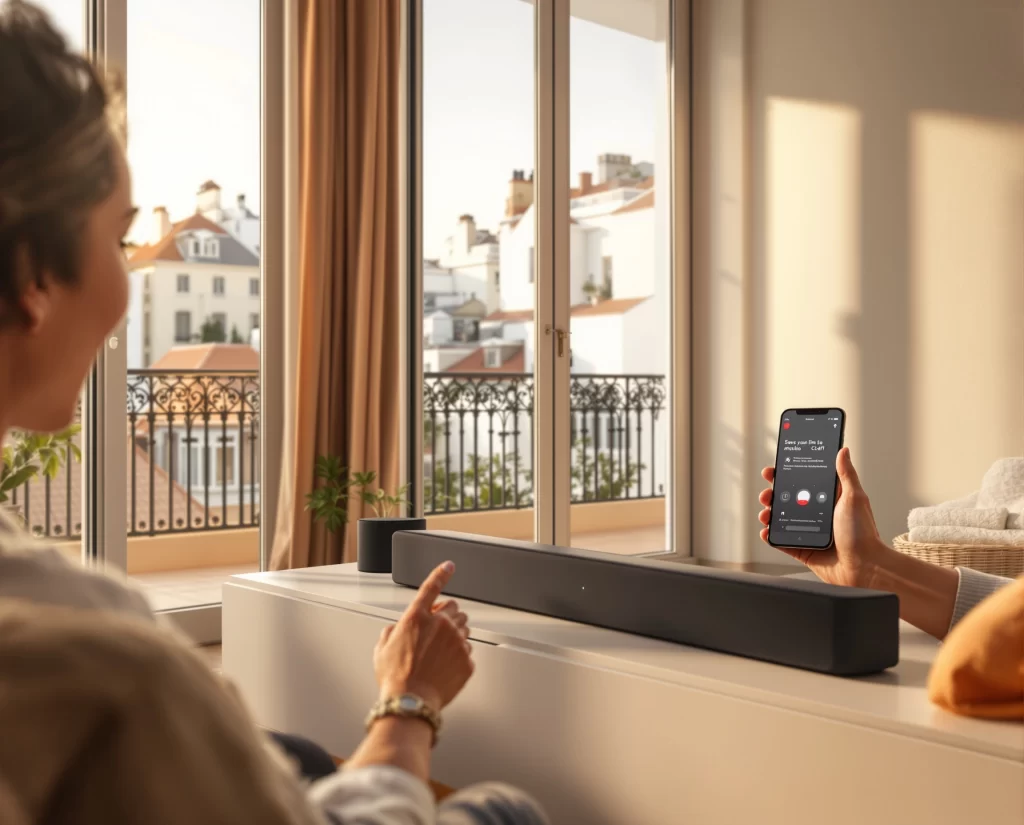
Integrating my SONOS system with smart home technology can elevate my audio experience. Voice commands and automation add convenience and efficiency.
- Use the SONOS app to integrate with smart devices.
- Set routines to control my audio experience with ease.
Troubleshooting Smart Device Integration
If my smart home devices aren’t communicating with SONOS, I might need to:
- Check the compatibility of my devices.
- Update device firmware and the SONOS app.
Common SONOS Issues and Fixes
As with any technology, my SONOS system can face common issues that can usually be fixed with a few simple steps.
Device Not Found
When the SONOS app can’t find my devices:
- Reboot both my router and SONOS devices.
- Check network settings to ensure everything is connected properly.
Playback Issues
If my playback is cutting out or stuttering:
- Ensure no other heavy bandwidth activity is happening on my network.
- Try lowering the audio quality setting temporarily to test connection stability.
Unresponsive Device
Sometimes one of my SONOS devices might become unresponsive:
- Unplug the device, wait 10 seconds, and plug it back in.
- If it remains unresponsive, consider performing a factory reset.
DIY vs. Professional Services
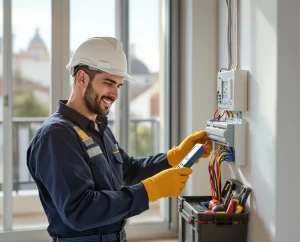
While I can tackle many SONOS issues myself, there are instances where professional help is beneficial.
-
Risks of DIY:
- Potential damage to devices.
- Longer troubleshooting times.
-
Benefits of Hiring Professionals:
- Quick resolution of complex issues.
- Expert-level understanding of SONOS products and setups.
Testimonials
“I was stuck for hours trying to sync my devices. A professional helped me get it sorted in minutes! Highly recommend!” — Sarah T., Fort Wayne, IN
“Trying to figure out my SONOS was frustrating, but the expert made everything easy and enjoyable. I can finally relax!” — Mark L., Fort Wayne, IN
“Top-notch service! Now my whole house is in sync, and I couldn’t be happier!” — Emma R., Fort Wayne, IN
Did You Know?
Did you know that pairing multiple SONOS speakers can create a surround sound experience? Just imagine how immersive movie nights can be when I set it up right!
TL;DR Summary
- Keep devices on the same Wi-Fi for optimal syncing.
- Update firmware on smart devices for better integration.
- Hire professionals when in doubt for quick and effective solutions.
- Perform simple reboot steps for basic troubleshooting.
FAQs
Q1: How can I sync my SONOS devices?
To sync my SONOS devices, I need to ensure they are all connected to the same Wi-Fi network and use the SONOS app to group them. If I encounter issues, restarting both the app and devices usually helps resolve the problem.
Q2: Why is my SONOS system not responding?
If my SONOS system is unresponsive, unplugging the device for a moment and then plugging it back in often does the trick. If problems persist, a factory reset might be necessary, but I should ensure to back up any settings first.
Q3: What should I do if I can't connect my SONOS to smart home devices?
If I can’t connect SONOS to my smart home devices, checking for firmware updates on both my SONOS app and smart devices is essential. Ensuring that they are compatible is also an important step in diagnosing the issue.
Q4: Can I control SONOS with voice commands?
Absolutely! Once I integrate SONOS with compatible smart home systems, I can control it using voice commands through devices like Google Assistant or Amazon Echo.
Q5: When should I seek professional help for my SONOS system?
I should consider seeking professional assistance when I face persistent issues, complex setups, or if I'm unsure about performing certain troubleshooting steps. Professionals can save me time and ensure everything is set up correctly.