
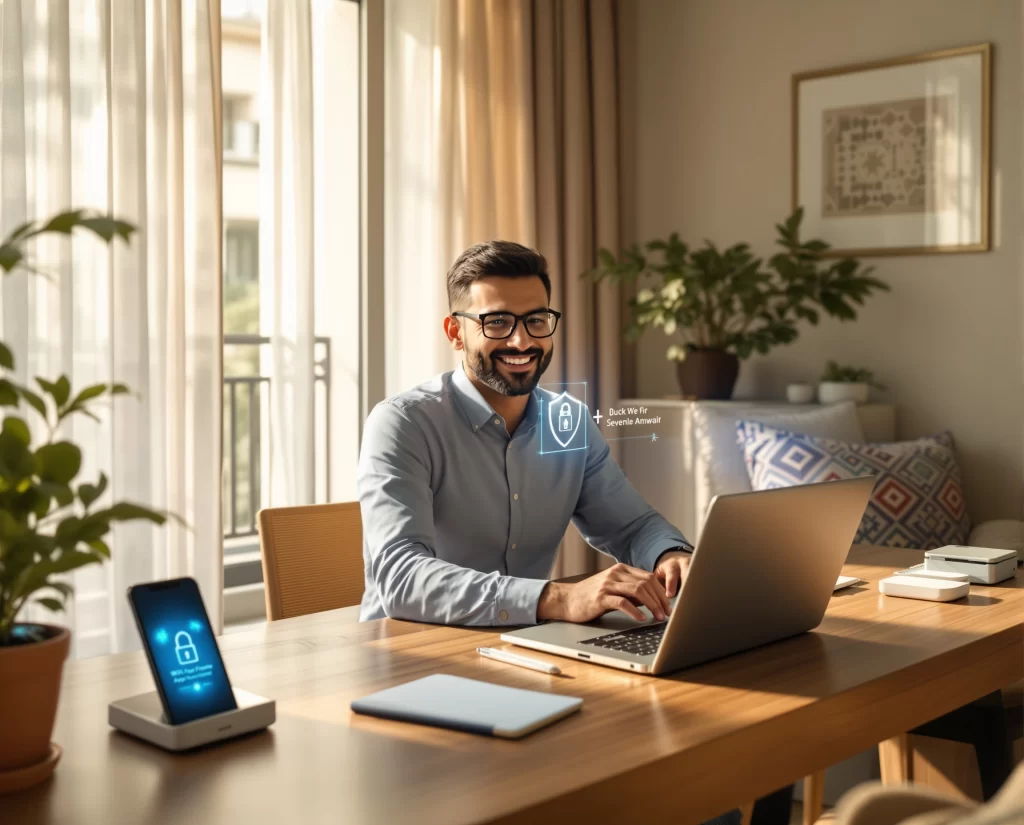
In today’s digital age, as I navigate my home office, I realize how critical it is to prioritize cybersecurity. With the rise of smart home automation, protecting my personal and professional information is more important than ever. With the right strategies, I can enhance my cybersecurity and ensure my home network remains secure.
Understanding My Vulnerabilities
As I work from home, I need to identify potential vulnerabilities in my setup. Devices such as my laptop, printer, and smart home gadgets could be entry points for cybercriminals. By assessing each device, I can better prepare and protect myself.
Common Devices at Risk
Small but crucial items in my workspace can affect my security. These include:
- Laptops
- Smartphones
- Smart TVs
- Printers
- IoT devices (smart thermostats, cameras, etc.)
Risks Associated with Each Device
Each device comes with its unique risks. For example, my smart TV can be hacked to spy on me, while outdated software on my printer can lead to data breaches. Regular updates and secure settings are key to mitigating these risks.
Securing My Home Network
My home network is the backbone of my smart home automation system. It’s essential that I take steps to fortify it.
Steps to Secure My Wi-Fi
- Change default passwords: I ensure all devices have unique, strong passwords.
- Enable WPA3 encryption: This latest security protocol provides better network protection.
- Hide my SSID: Making my network name invisible reduces its exposure to potential hackers.
Additional Security Measures
To further protect my home network, I can:
- Use a guest network for visitors.
- Enable MAC address filtering.
- Regularly review my device connections.
Utilizing Antivirus Software
Installing antivirus software is critical for defending against malware attacks.
Selecting the Right Antivirus Software
When choosing my antivirus, I focus on:
- Reputation and reviews from trusted sources.
- Features like firewall integration and real-time scanning.
- The availability of support and updates.
Keeping My Software Updated
I make it a habit to regularly check for updates for my operating system and applications. Cybercriminals often exploit known vulnerabilities in outdated software.
Awareness and Education
Awareness is a powerful tool in preventing cyber threats.
Recognizing Phishing Attacks
Phishing attempts can come through emails or texts, and I need to know how to identify them. Red flags include:
- Unexpected messages asking for personal information.
- Poor grammar or spelling.
- Suspicious links or attachments.
Strategies for Avoiding Phishing
To stay safe, I:
- Verify the sender’s email before clicking links.
- Avoid sharing sensitive information via email.
- Trust my instincts—if something feels off, it probably is.
Maintaining Strong Password Hygiene
My passwords are the first line of defense against unauthorized access.
Best Practices for Creating Strong Passwords
I know that creating a robust password involves:
- Using a mix of upper and lowercase letters, numbers, and symbols.
- Making passwords at least 12 characters long.
- Avoiding easily guessed information like birthdays.
Using a Password Manager
To keep track of my numerous passwords, I use a password manager. This tool helps generate strong passwords and safely stores them.
Backing Up My Data
Regular backups protect my important files from ransomware and other threats.
Choosing the Right Backup Solutions
I can choose between:
- Cloud backups: Convenient but rely on internet integrity.
- External hard drives: Provides physical control but requires manual upkeep.
Establishing a Backup Schedule
Regardless of the method, I set a schedule to back up my data regularly—weekly or monthly—depending on my usage.
Implementing Two-Factor Authentication
Two-factor authentication (2FA) adds an extra layer of security.
How 2FA Works
When I log into my accounts, I’ll receive a text message or use an app to verify my identity. This ensures that even if someone knows my password, they can’t access my account without the second factor.
Understanding Smart Home Automation Risks
Smart technology is convenient but comes with risks I must acknowledge.
Securing My Smart Home Devices
For my smart devices, I ensure:
- They have unique passwords separate from my other accounts.
- I disable any features I don't use, like remote access.
Keeping Up with Firmware Updates
Just like my computer software, my smart devices need regular updates to patch security vulnerabilities.
Utilizing a Virtual Private Network (VPN)
A VPN helps secure my internet connection, especially when I’m using public Wi-Fi.
Benefits of Using a VPN
- Encrypts my online activity, making it harder for hackers to intercept data.
- Masks my IP address, enhancing my privacy.
DIY vs. Professional Services
While I can implement many cybersecurity strategies myself, some situations are best left to the professionals.
Risks of Going DIY
I risk missing potential vulnerabilities that an expert would catch, or I may misconfigure my devices. Professional cybersecurity services offer thorough assessments and solutions tailored to my needs.
Benefits of Hiring Professionals
- They provide expert knowledge to fortify my systems effectively.
- Ongoing support and monitoring can help keep my defenses updated.
Testimonials
“I didn’t realize how vulnerable our home network was until I had a professional come in. Their guidance changed everything!” — Sarah L., Columbus, OH
“The peace of mind I got from securing my smart home devices was worth every penny. I couldn't have done it alone.” — Mark T., Columbus, OH
“My office is now impenetrable! I am so grateful for the help I received.” — Jessica R., Columbus, OH
Did You Know?
Did you know that securing my home office could potentially save me thousands in losses from cyber incidents? Prevention is always cheaper than repair!
TL;DR Summary
- Assess all devices for vulnerabilities.
- Secure my home Wi-Fi with strong encryption and unique passwords.
- Regularly update software and maintain proper antivirus solutions.
- Educate myself on phishing attacks and maintain strong password hygiene.
- Consider professional services for comprehensive cybersecurity.
FAQs
1. How often should I update my passwords?
I should change my passwords every three to six months, or immediately if I suspect a breach.
2. What should I do if I think my device has been hacked?
I should disconnect it from the internet, run antivirus scans, and seek professional assistance if needed.
3. Are smart home devices worth the risk?
While there are risks, properly securing these devices can enhance safety and convenience. I just need to stay informed and vigilant.
4. How can I protect my kids from online threats?
I can install parental controls and educate them about the importance of privacy and recognizing unsafe online behavior.
5. What's the best way to secure my home office if I work remotely?
Establish a dedicated workspace, secure my network, and implement strong cybersecurity measures to protect both personal and professional data.